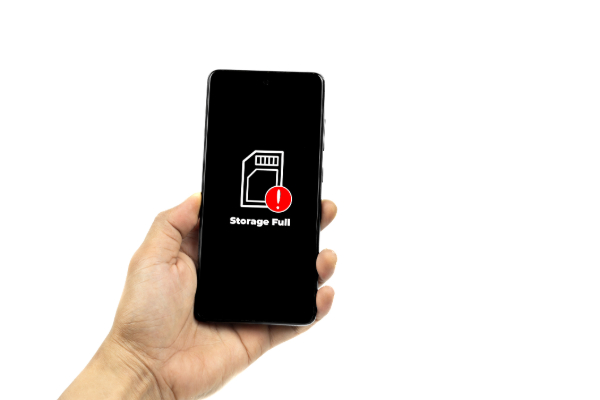
Delete apps you’re not using
It’s easy to end up with a screen full of apps you rarely open.
- Go through and delete anything you haven’t used in a while.
- If you change your mind, you can always download it again.
- Some phones will even show you when you last used each app, which makes it easier to decide.
Clean out the downloads folder
The downloads folder can fill up with things you’ve forgotten about — PDFs, images, random files from links or messages.
- Open your downloads and delete anything you don’t need anymore.
- You may be surprised how much space it frees up.
Tidy up your messages
Old text conversations can take up more room than you think, especially if they include lots of photos or videos.
- Delete older messages you don’t need.
- Some apps let you set a time limit, so they clear out old messages automatically in future.
Clear your browser history and data
Web browsers store data to help sites load faster, but over time it adds up.
- Go into your browser settings and look for the option to clear history and site data.
- This won’t delete your bookmarks or passwords — just the clutter.
Remove old music, videos and podcasts
Media files can use a lot of storage.
- If you’ve downloaded music, playlists, movies or podcast episodes, delete the ones you’re not using.
- Many streaming apps have settings that let you see what’s been downloaded and remove things with a tap.
Review your photos and videos
Photos and videos often take up the most space. You don’t have to delete everything — just tidy up.
- Get rid of blurry shots, duplicates and accidental screenshots.
- If you want to keep everything, look into cloud backups like Google Photos or iCloud. You can safely store them online and remove them from your phone to free up space.
Check your phone’s storage settings
Most phones have a section in settings that shows exactly what’s using space — apps, photos, messages and so on.
- This can help you spot what’s taking up the most room.
- It often includes suggestions for clearing space quickly, like removing large files or unused apps.
This is some text inside of a div block.